

The desk is the bottleneck
Every request goes through one person at reception. When they are on a call, on a break or off shift, the building stops taking requests.
Two hundred flats, one reception desk and a phone that never stops. Residents book what they need from their own phone, staff work from a clear list, and management sets what everything costs — floor by floor if that is how the building works.
Nothing on this list is a failing of your team. They are all what happens when the work is real and the record of it is not.
Every request goes through one person at reception. When they are on a call, on a break or off shift, the building stops taking requests.
The price is a conversation, and the conversation is different depending on who is asked. Residents find out on the invoice.
Work is done, then billed. The resident never agreed to the cost, and now the building is arguing about a figure instead of collecting it.
A cleaner says the flat was done. The resident says it was not. Without a photo and a timestamp, whoever complains loudest wins.
A resident opens the app and sees exactly what their building provides, what it costs and when it can be booked. No call, no queue at the desk, no asking a neighbour how it works.
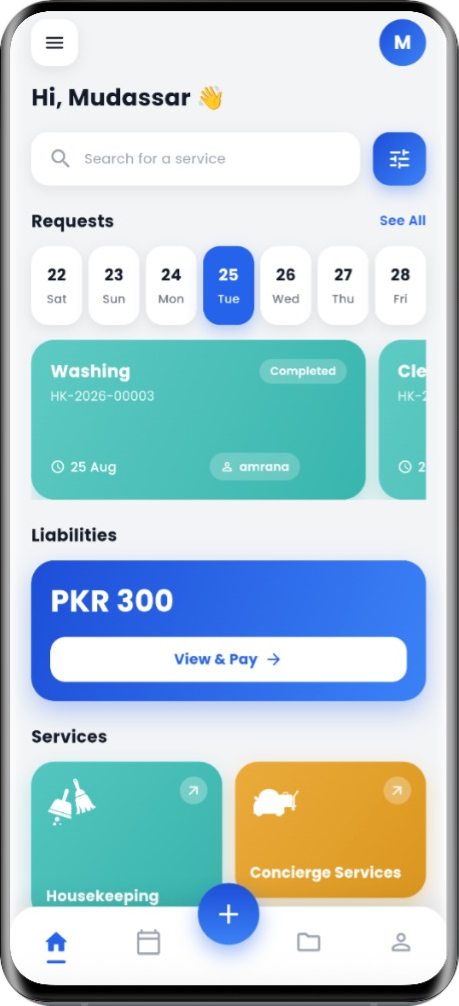
Staff see only the buildings and services they are assigned to. They accept a job, start the clock, finish it and attach a photo — which protects them as much as it reassures the resident.
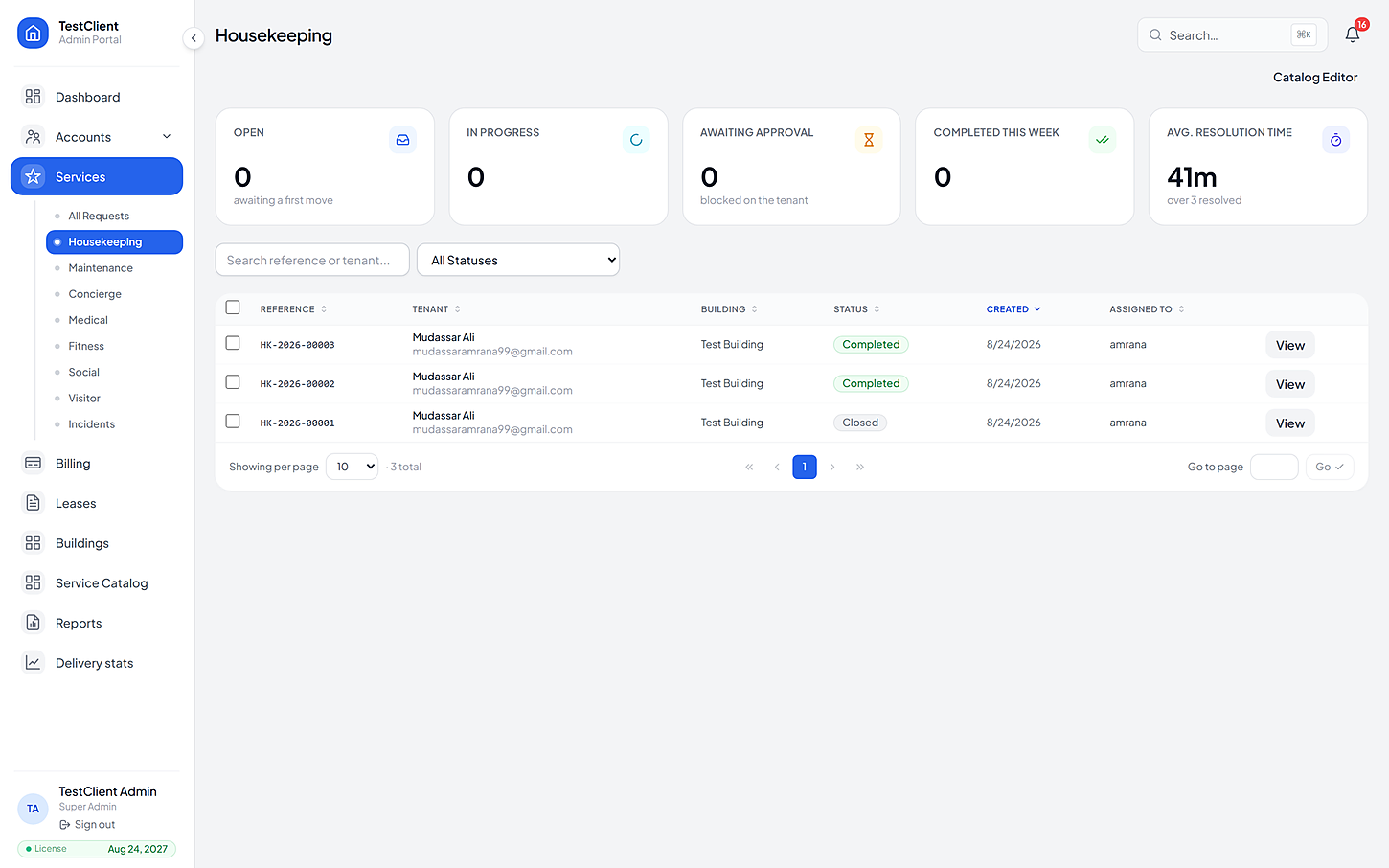
The price list belongs to the building, not to whoever answered the phone. Items, categories, recurring discounts, bookable hours and the cancellation policy are all set in the portal and published with a version stamp.
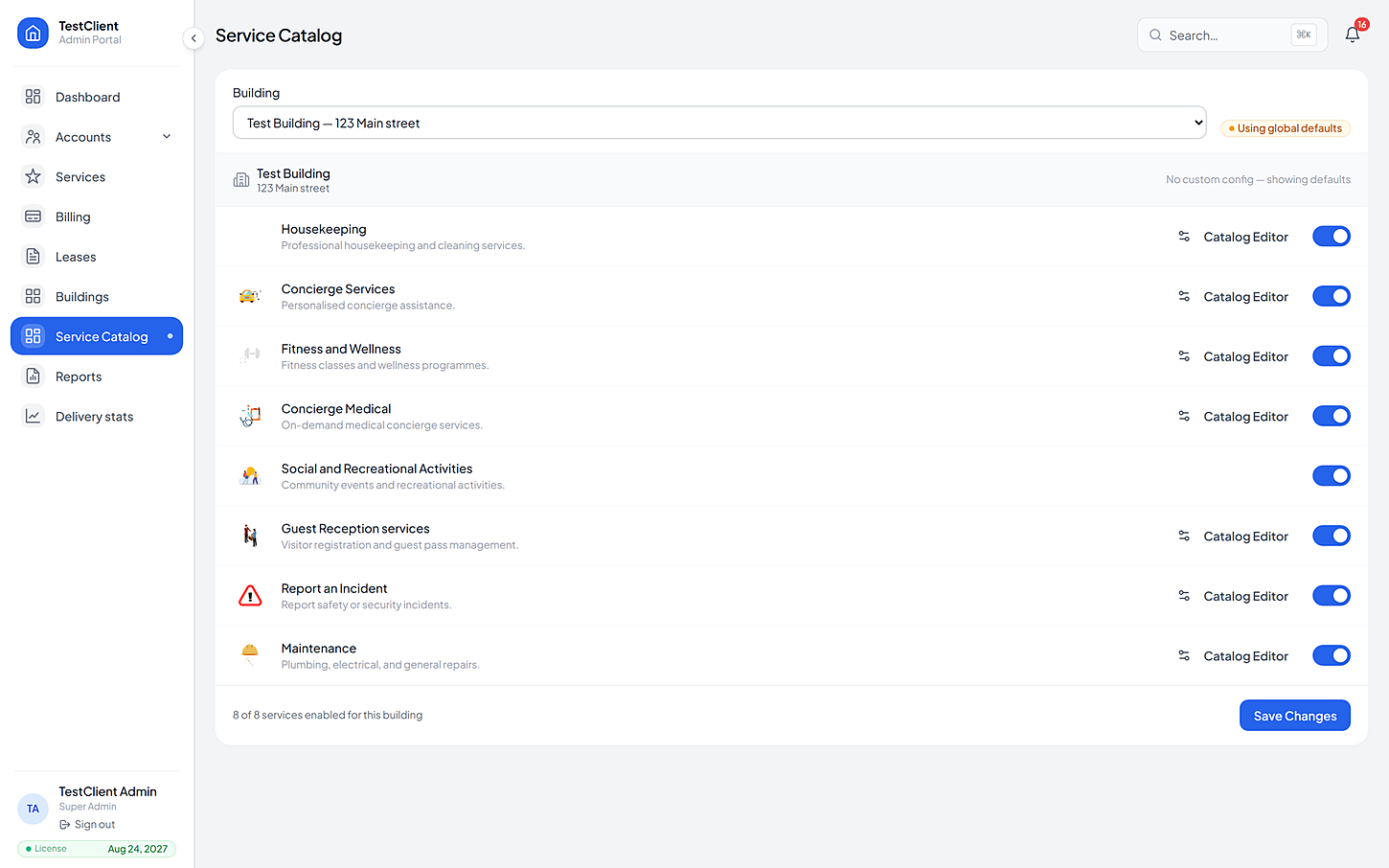
Every service is switched on building by building. A tower that only wants cleaning and repairs never sees the rest.
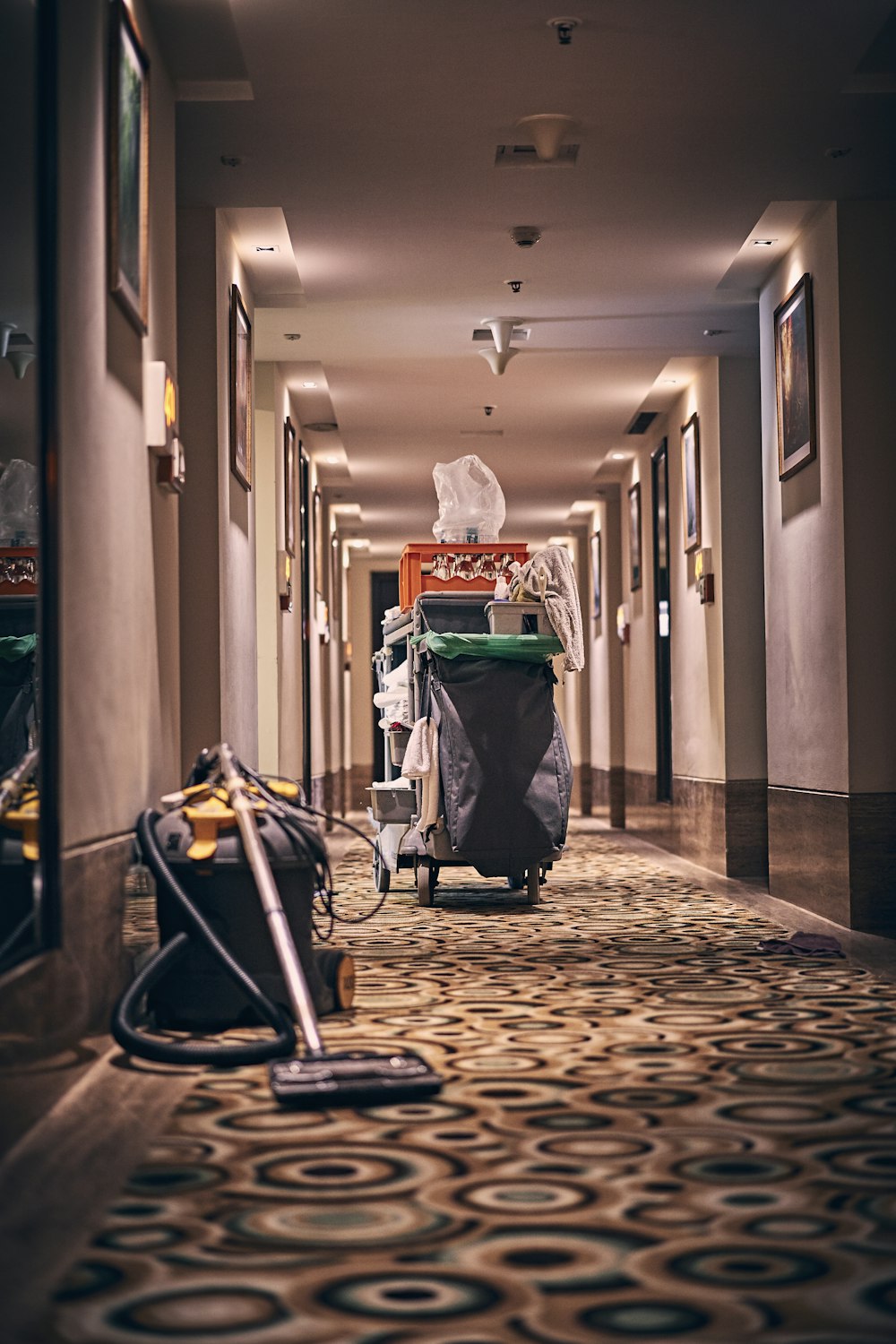
Cleaning on a schedule residents control.
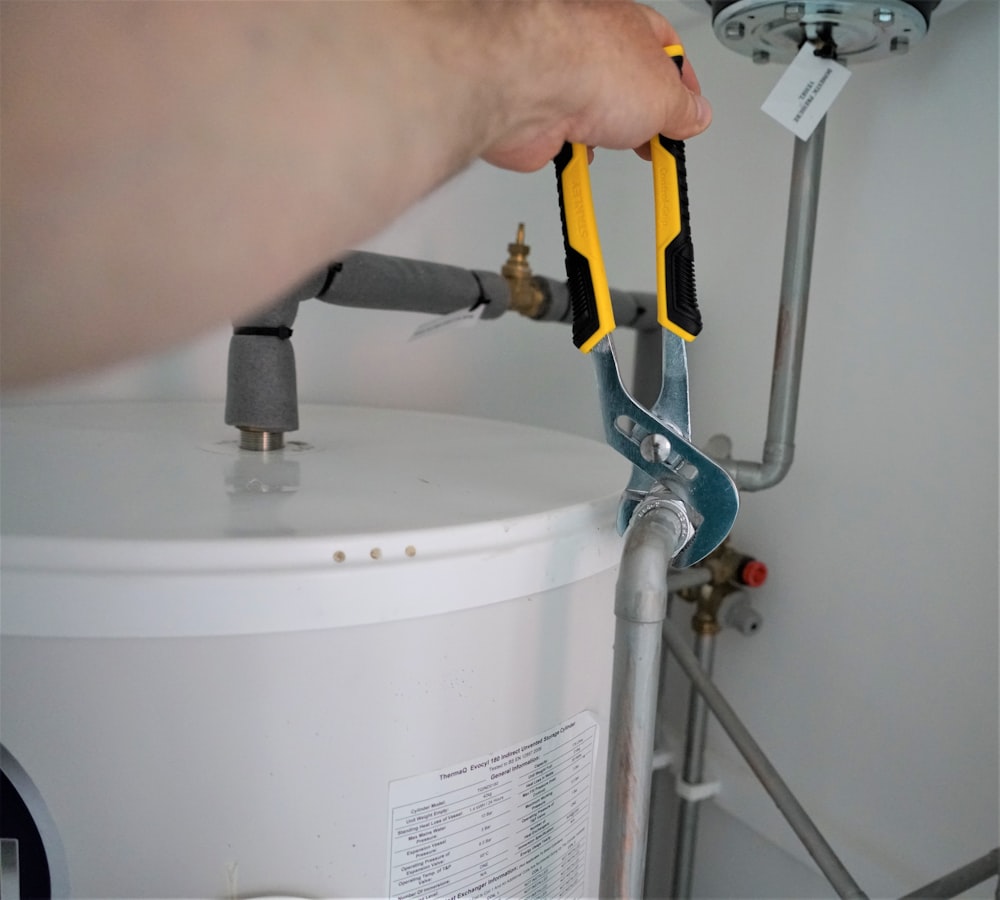
No work starts until the resident agrees the cost.
Errands and requests, tracked like any other job.
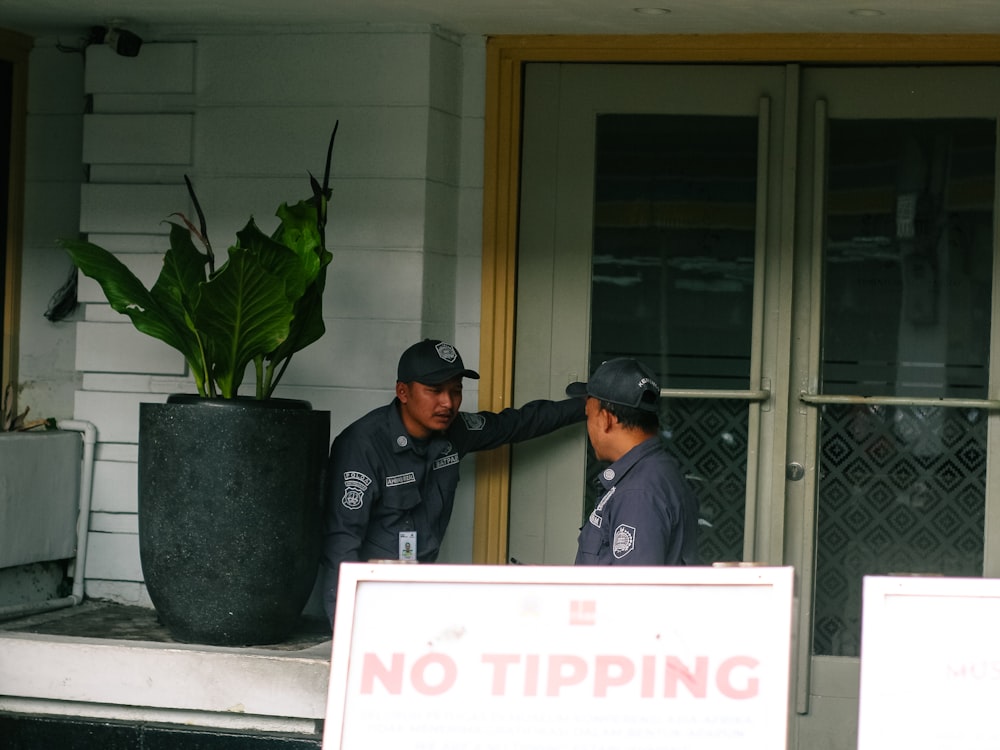
Visitors expected, verified and logged.

Nothing gets lost between a complaint and a fix.

Community programming that actually fills up.
The same four beats every time, whichever service it was and whoever raised it.
They pick housekeeping for Thursday morning, see the price for their building, and confirm.
From the app
The job routes to staff covering that building and that service — by hand, automatically or round-robin.
No dispatcher needed
Start, pause, resume. The response-time target runs in the open, visible to the resident and to you.
Both sides see it
Photo proof lands on the request, the fee is calculated with any discount, and the invoice appears in the app.
Nothing typed twice
If yours is not here, the FAQ page goes further — or just ask us directly.
Yes. Premium tiers get their own response targets, and pricing is set per item on the building's own price list — so a penthouse tier and a standard tier can be quoted differently for the same service.
Reception can raise a request on a resident's behalf from the portal, and it behaves exactly like one raised in the app — same routing, same timer, same proof, same invoice.
The resident issues a pass before the guest arrives. The desk verifies it, logs entry and exit, and can revoke it on the spot. Walk-in policy is set per building, and the blacklist is checked on every arrival.
Other kinds of property
Bring one building, its list of units and the services you already offer. We'll set the price list up with you, then you can watch a real request go all the way from a resident's tap to the invoice.
No card needed · Your data stays yours