

One price list has to serve two worlds
A retail unit and a two-bed flat need different services at different prices, and a single list forces a compromise that suits neither.
A retail floor and a residential tower are not the same operation, and they should not share a price list. Here each part gets its own services, its own prices and its own hours — while the staff, the queue and the reporting stay shared.
Nothing on this list is a failing of your team. They are all what happens when the work is real and the record of it is not.
A retail unit and a two-bed flat need different services at different prices, and a single list forces a compromise that suits neither.
A shop wants cleaning after closing. A resident wants it mid-morning. One set of bookable hours cannot hold both.
The same technician works both sides, and their day is split across two systems, so nobody can see their real workload.
Two systems means two exports and a spreadsheet in the middle, which is where the numbers stop agreeing.
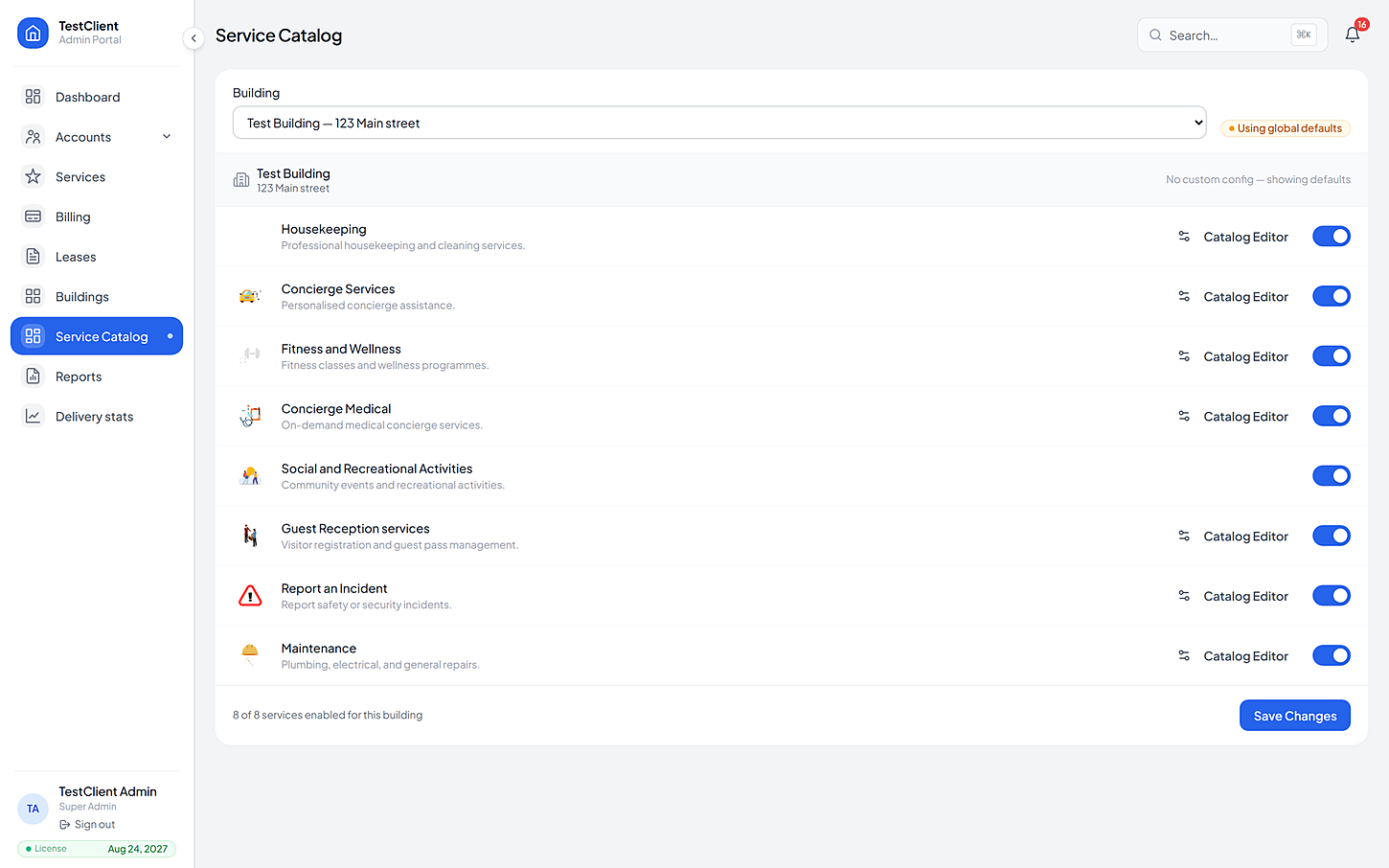
Catalogs are per building and per service, so the retail side and the residential side each get their own items, prices, bookable windows and cancellation terms — published independently.
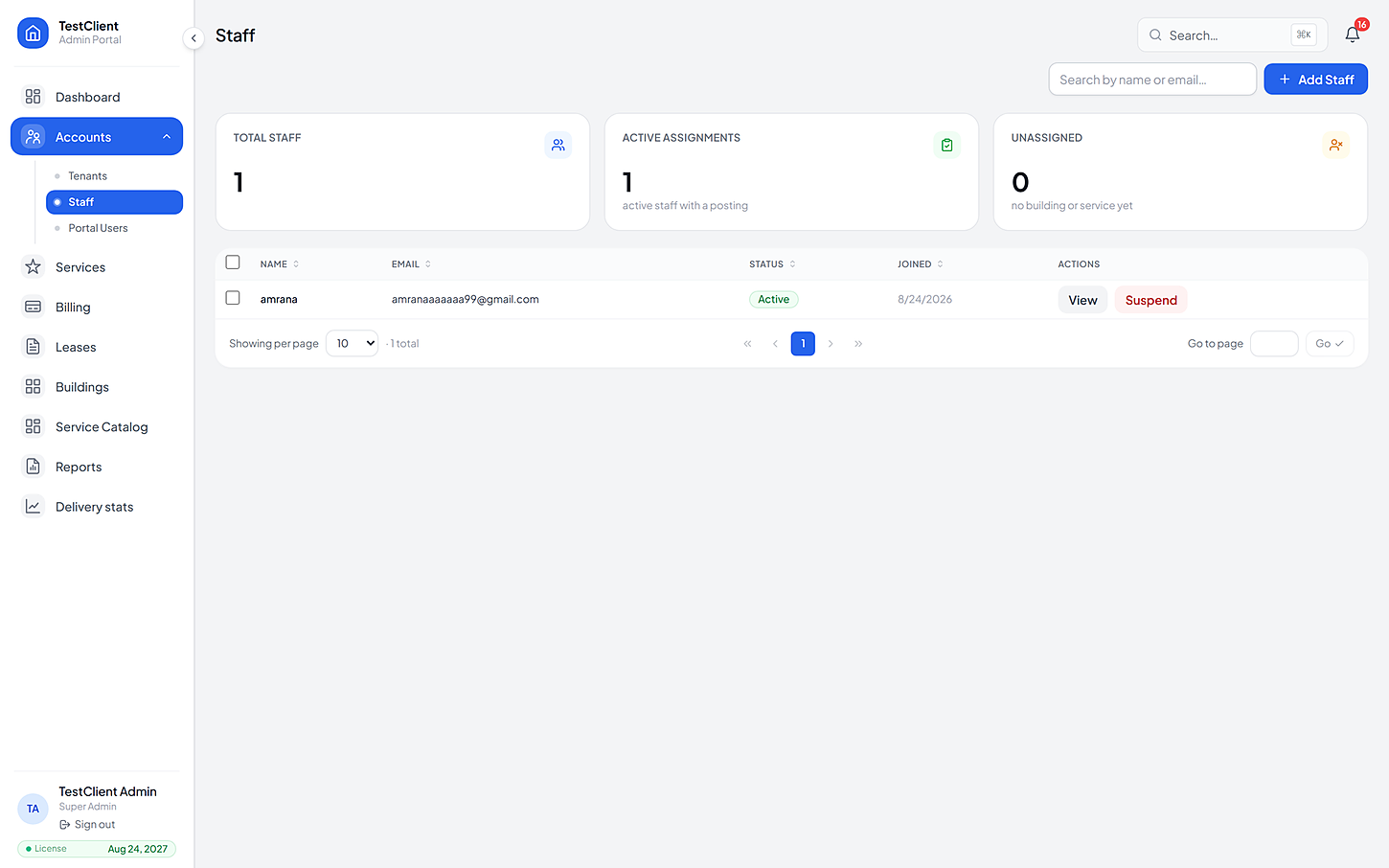
Staff are assigned to buildings and services, not to a silo. A technician covering both sides sees one list, and their coverage shows up in the same report as everyone else's.
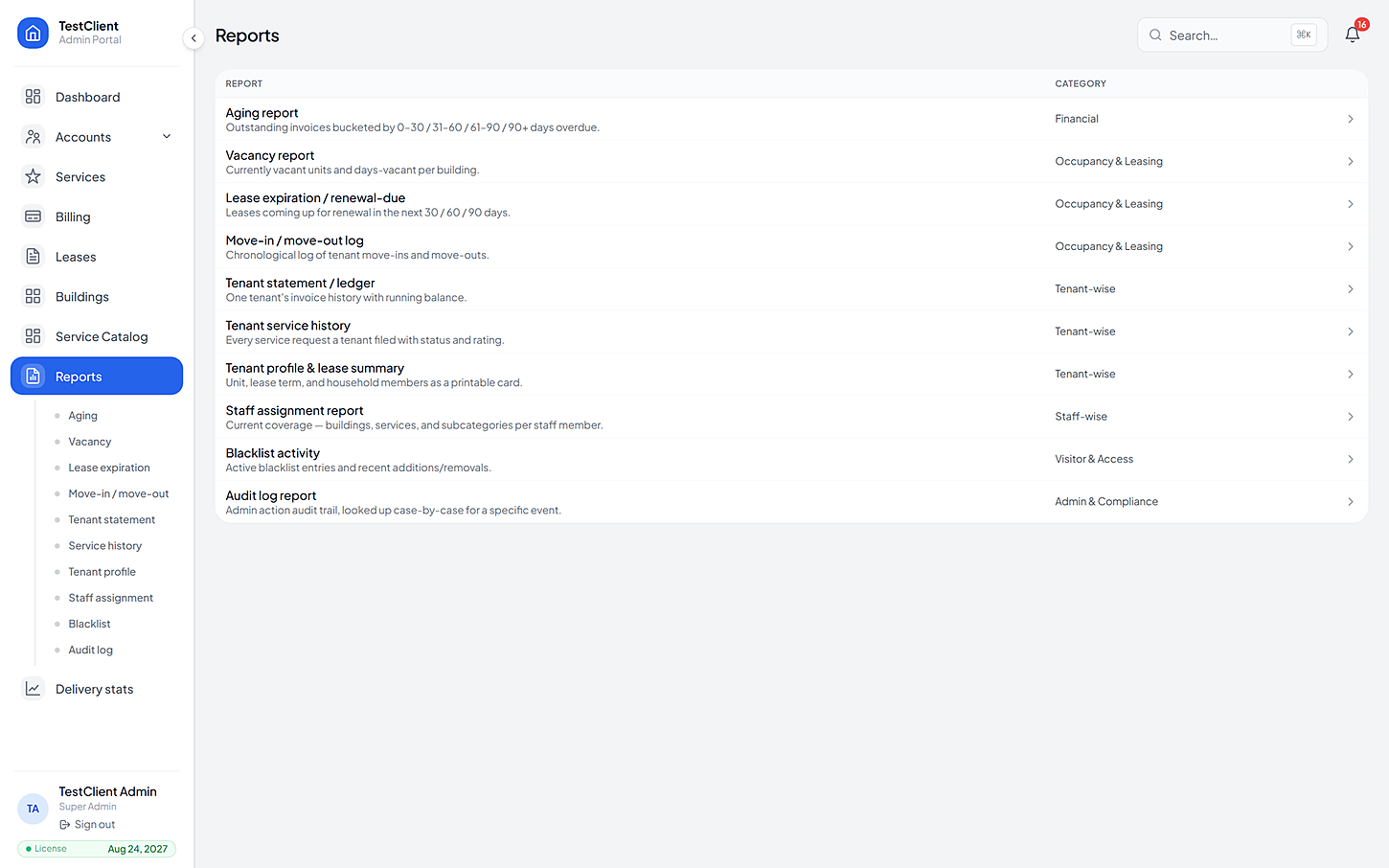
Because both sides sit on one record, the reporting does not need reconciling. Ageing, staff coverage, request volumes and incident analytics all read the same underlying data.
Services are switched on per building, so the retail floor and the tower above it can offer completely different things.
No work starts until the resident agrees the cost.

Cleaning on a schedule residents control.
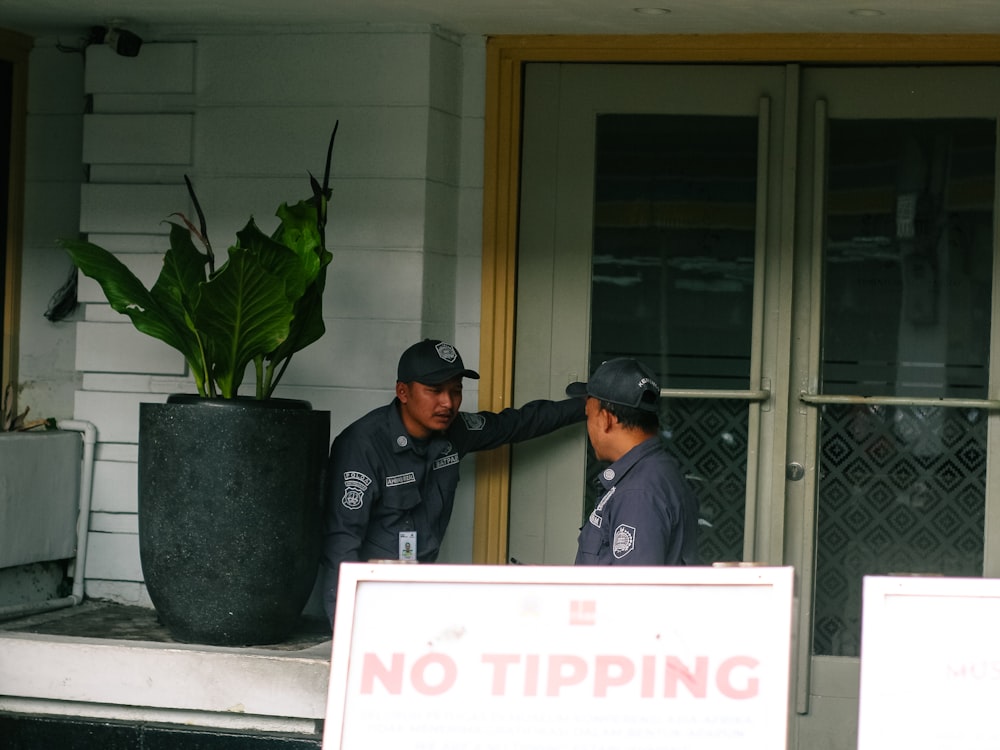
Visitors expected, verified and logged.

Nothing gets lost between a complaint and a fix.
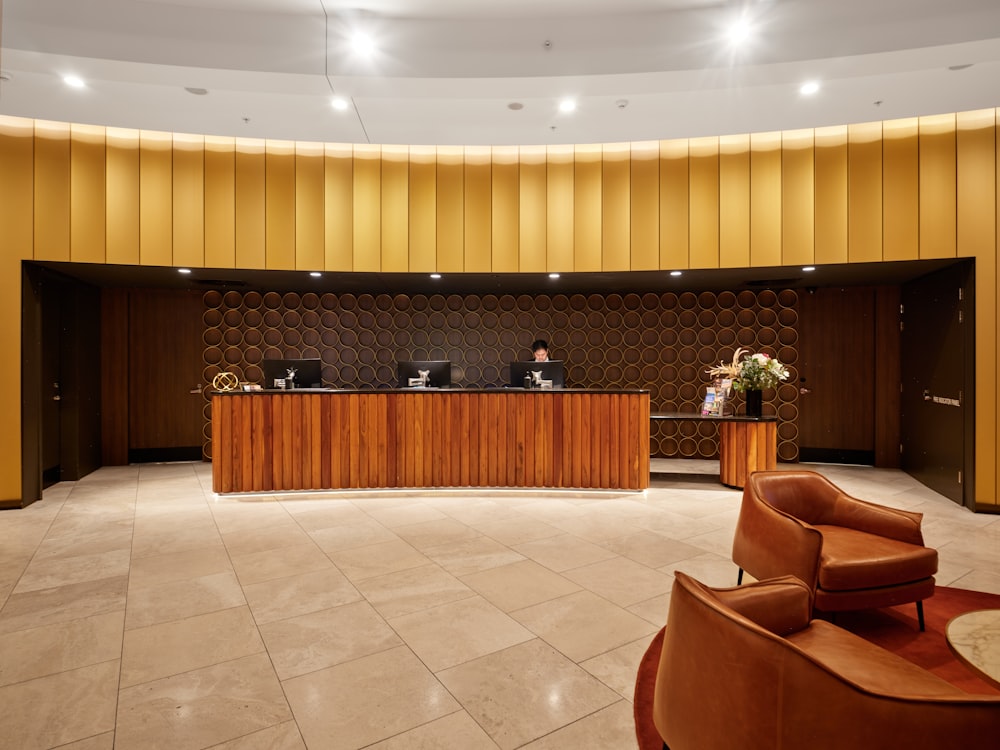
Errands and requests, tracked like any other job.

Community programming that actually fills up.
The same four beats every time, whichever service it was and whoever raised it.
Retail and residential are set up as their own buildings, each with its own units and its own catalog.
Once, at setup
Items, hours, discounts and cancellation terms are set separately, then published when they are right.
Independently
One roster, assigned by building and service. A shared technician sees a single list, not two.
One day's work
Reporting runs across the whole development, so nothing has to be reconciled in a spreadsheet.
No exports
If yours is not here, the FAQ page goes further — or just ask us directly.
Yes — it is the same app, and what each of them sees comes from their own building's catalog. A shop is offered the retail price list, a flat the residential one.
Access is scoped per building, so a manager can be given rights to one side and not the other while the owner keeps a view across both.
As many buildings as the site actually has — the model is per building, so a three-tower development with a retail podium is four buildings under one client.
Other kinds of property
Bring one building, its list of units and the services you already offer. We'll set the price list up with you, then you can watch a real request go all the way from a resident's tap to the invoice.
No card needed · Your data stays yours