

You have to phone, and then phone again
One call to ask, one to book, one to find out whether anybody came. And the desk is closed by the time you get home.
Book a clean for Thursday. See what it costs before you confirm. Approve the repair estimate — or don't. Let a guest in without going down to the desk. Pay it all in one place, and keep a record of every bit of it.
None of this is anybody's fault. It is what happens when the only record of a request is a conversation.
One call to ask, one to book, one to find out whether anybody came. And the desk is closed by the time you get home.
Nobody could tell you what a deep clean costs, so you agreed to it anyway. The figure appears a month later.
The technician said the part was included. The invoice says otherwise, and it is your word against theirs.
You are in a meeting. Security is calling. Nobody wrote down that somebody was coming.
Every service your building offers is on one screen with its price already on it. Pick a time inside the hours your building allows, confirm, and you are done — no call, no queue at the desk.
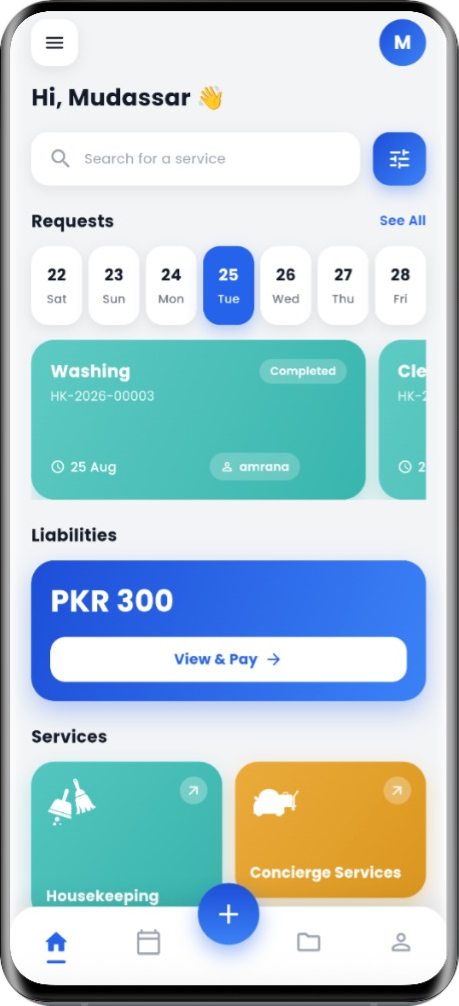
For repairs, staff look first and write down what they found. A price comes to you in the app, and nothing starts until you say yes. If you decline, the job closes — no work, no charge, no argument.
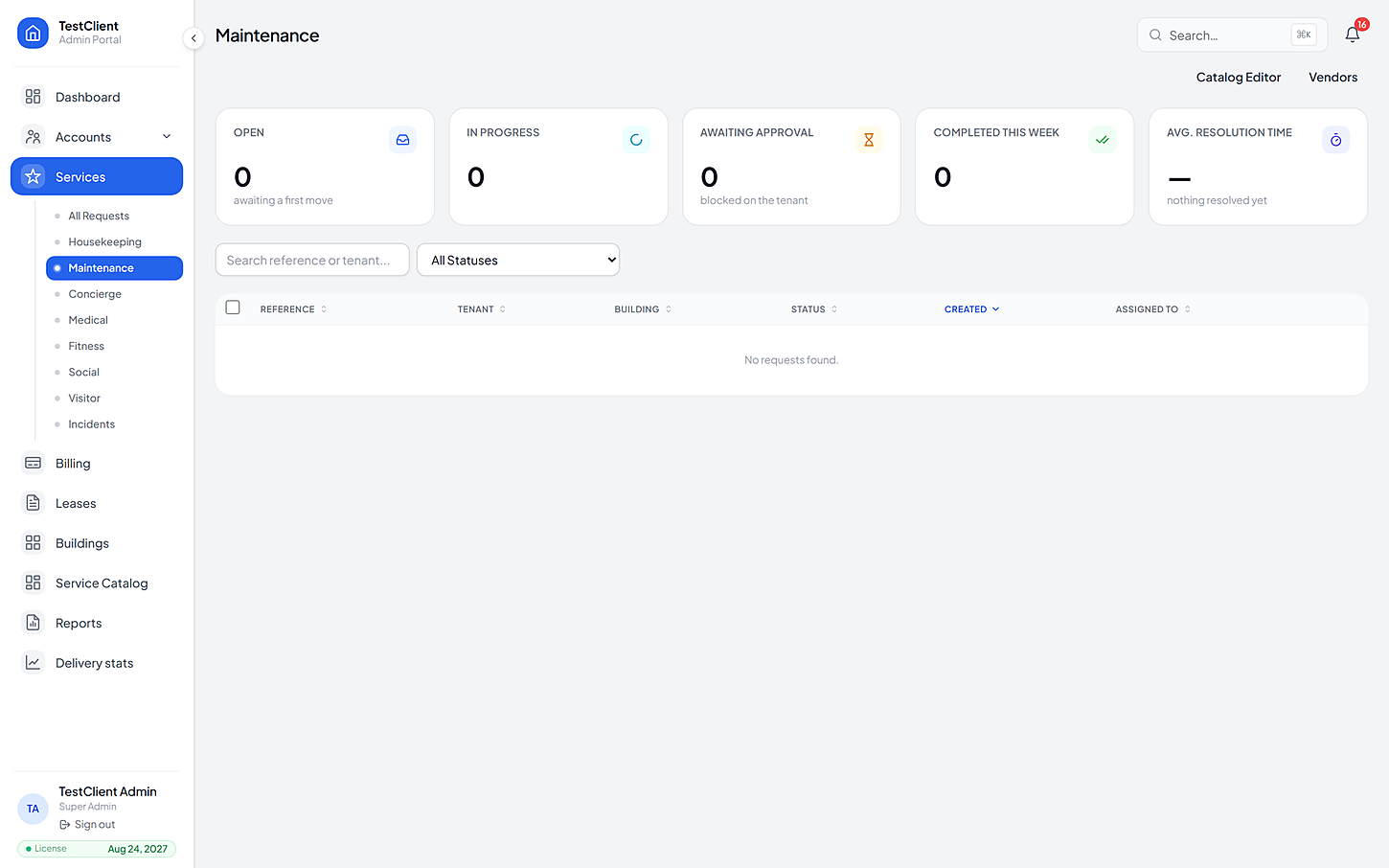
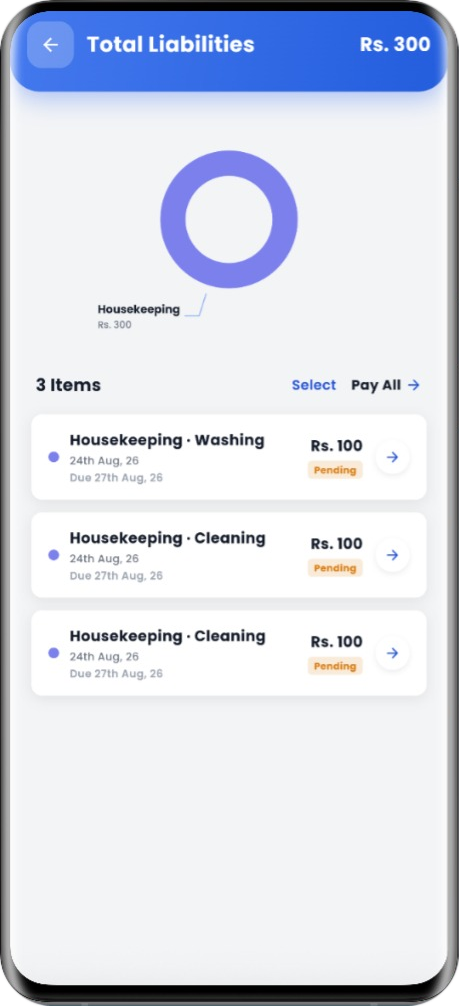
Issue a guest a pass before they arrive and the desk already knows to expect them. At the end of the month, every invoice is in one list — pay one, or clear them all at once.
Your building decides which of these it offers, so you only ever see the ones that are really available where you live.
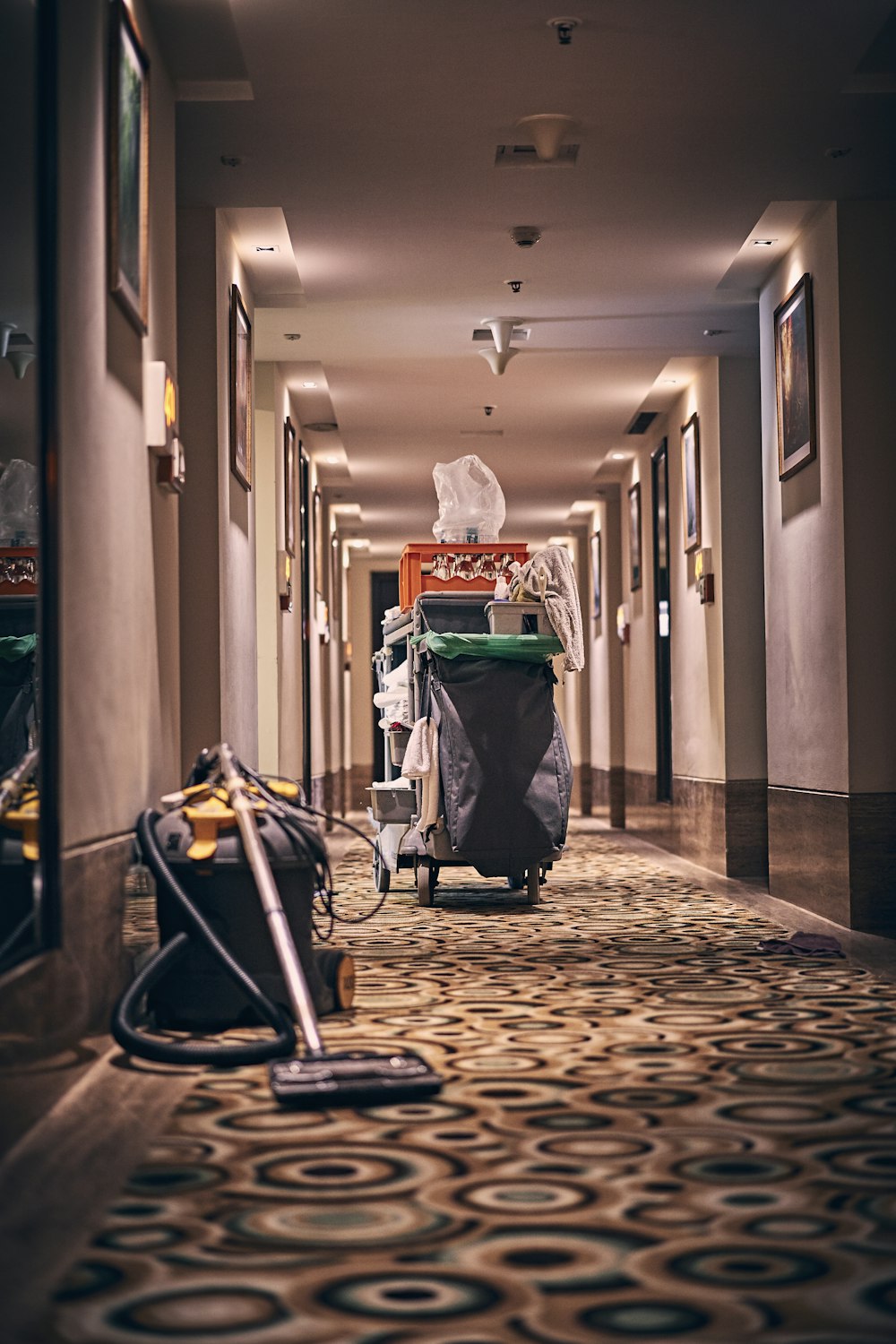
Cleaning on a schedule residents control.
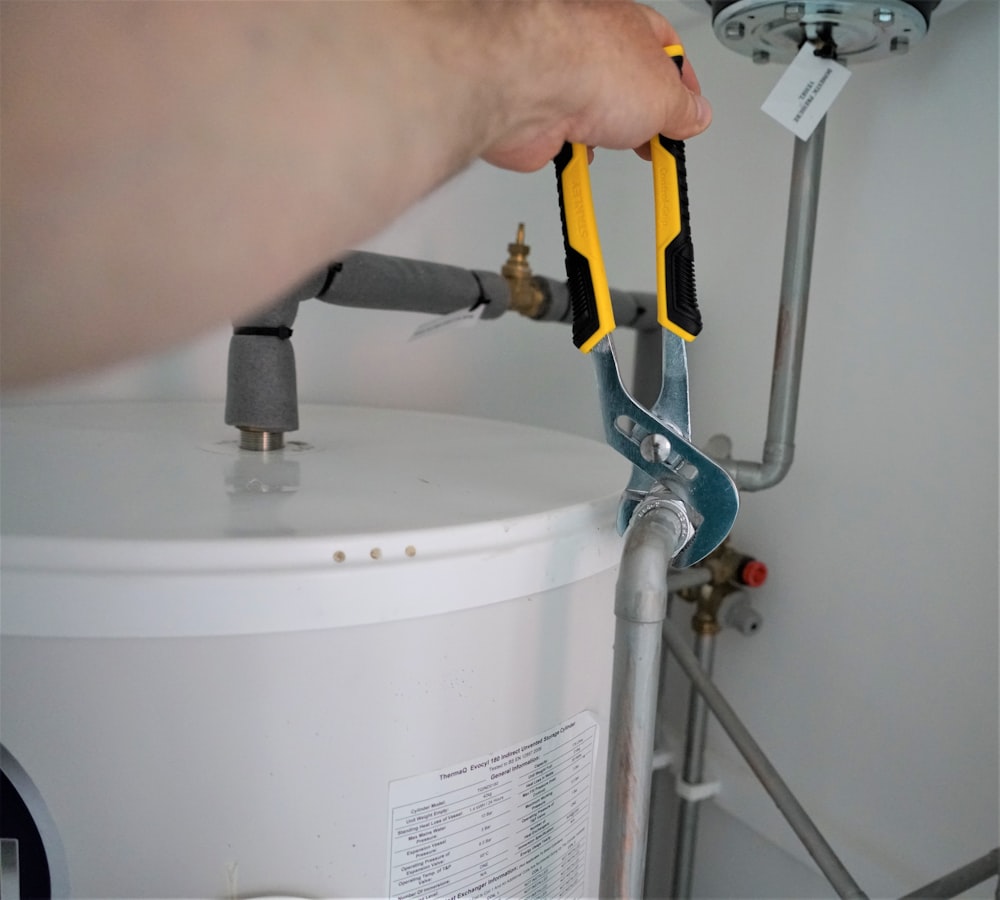
No work starts until the resident agrees the cost.
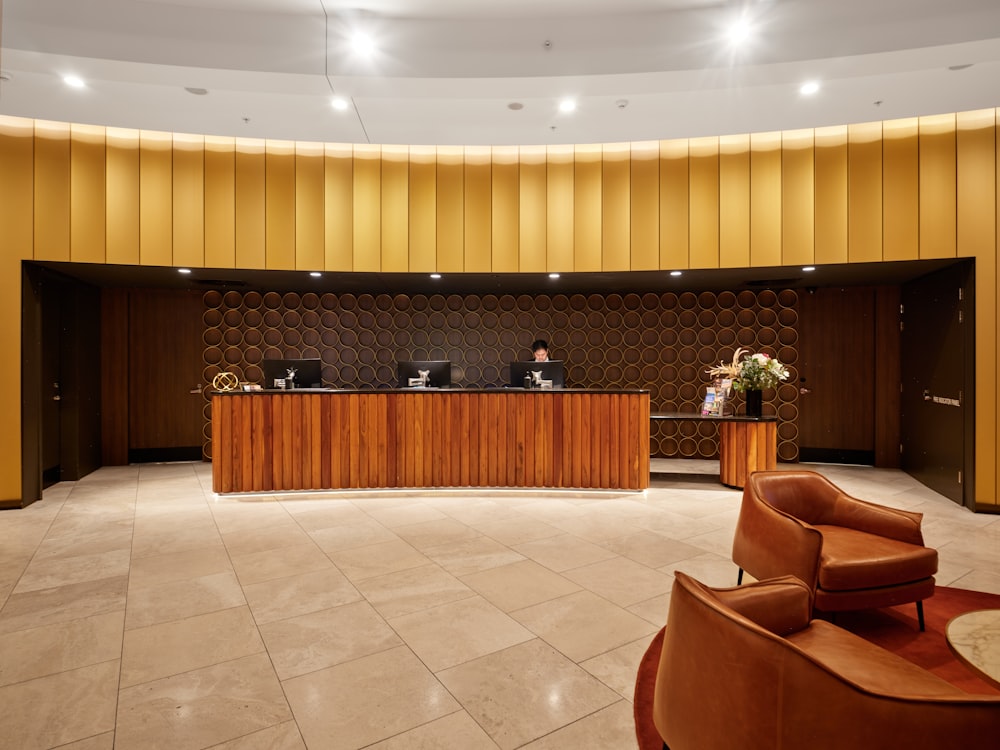
Errands and requests, tracked like any other job.
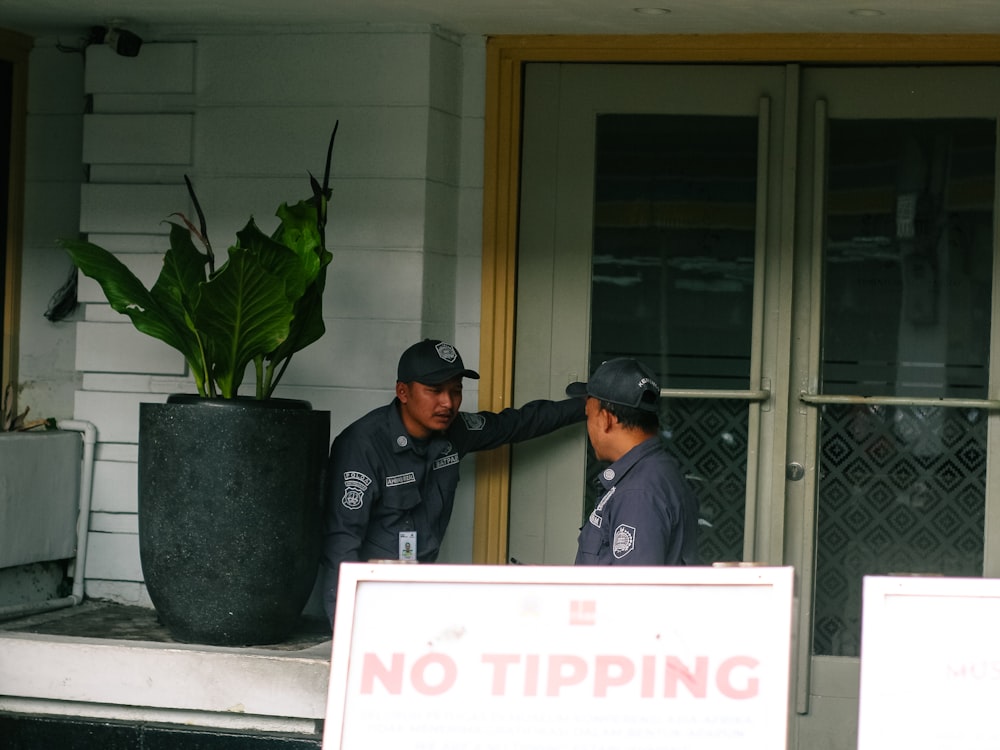
Visitors expected, verified and logged.

Facilities and classes that don't need a WhatsApp group.

Community programming that actually fills up.
You can watch each of these happen — the app shows the same steps the staff are working through.
Pick the service and the time, see the price, confirm. You get a reference number straight away.
Under a minute
The job goes to a member of staff who covers your building and that service. You see who has it.
You see the name
Started, paused, resumed, finished — each step is stamped, and the response-time target is visible to you too.
Live status
A photo of the finished work attaches to the request, and the invoice appears in your app with any discount applied.
Both on the record
If yours is not here, the FAQ page goes further — or just ask us directly.
Your building gives you an activation code. You verify your email or phone, and your flat is already linked — you do not have to prove where you live to anybody.
Yes, within the cancellation terms your building has set — those terms are published with the price list, so you can read them before you book rather than after.
Only staff your building has cleared for medical work, and every single time one of them opens a record it is logged. Nobody else in the building sees it.
Choose how you hear from the building — email, SMS, push or in-app — per kind of message. Announcements and request updates are set separately.
The same product, from another side
Bring one building, its list of units and the services you already offer. We'll set the price list up with you, then you can watch a real request go all the way from a resident's tap to the invoice.
No card needed · Your data stays yours