

The work arrives from four directions
A call, a group message, a note at the desk, somebody stopping you in the corridor. Two of them will be forgotten by lunch.
Only your buildings, only your services. Accept a job, start the clock, finish it and leave a photo behind. That photo is not surveillance — it is the thing that answers for you when somebody says the work was never done.
Every one of these costs time you would rather spend on the actual job.
A call, a group message, a note at the desk, somebody stopping you in the corridor. Two of them will be forgotten by lunch.
You waited forty minutes for access to the flat. Nobody recorded that, so the job just looks slow.
The resident says the bathroom was not touched. You know it was. Without a photo, the argument goes to whoever complains harder.
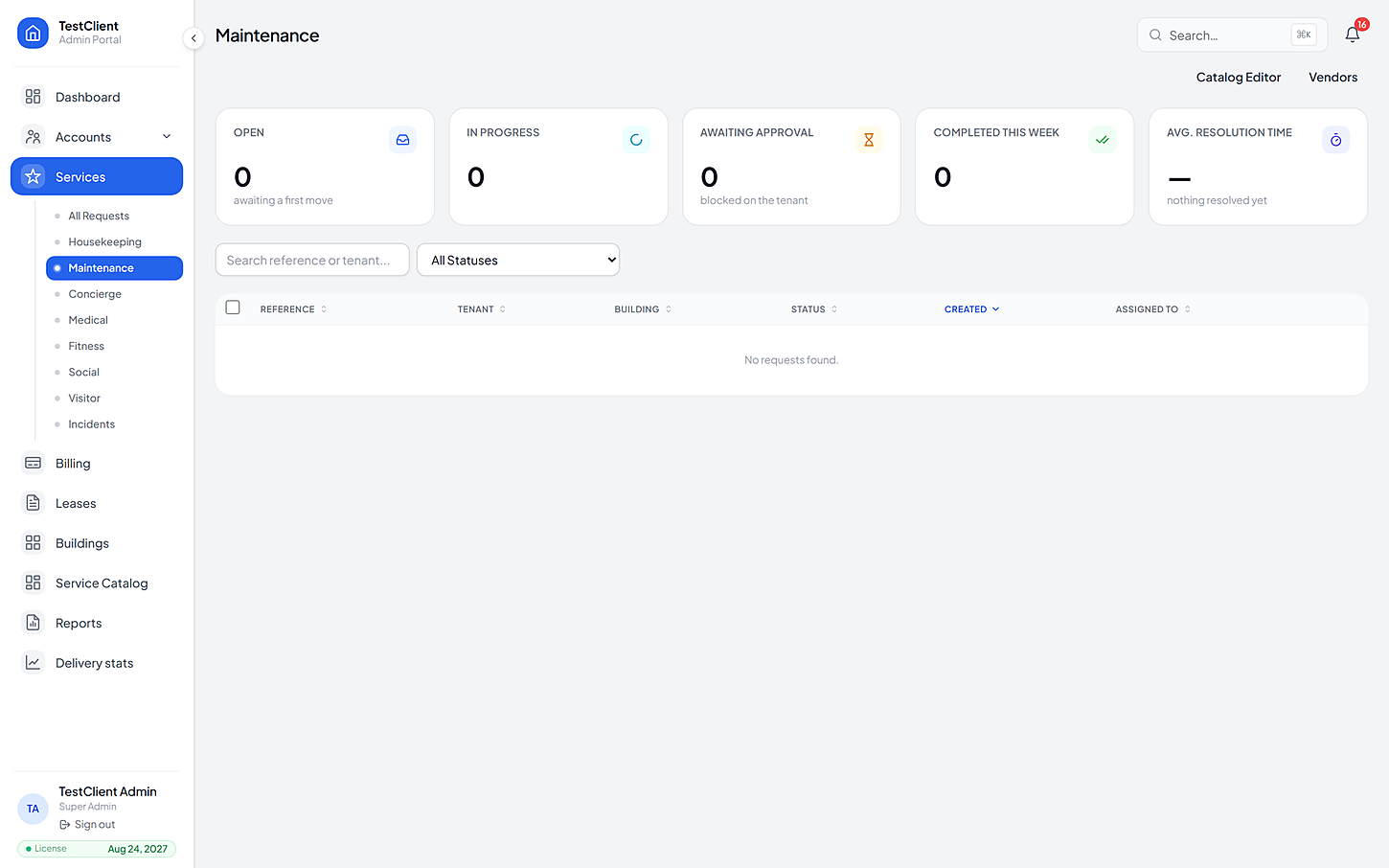
Wrong building, wrong trade, wrong shift. Somebody had to guess, because nobody could see who covers what.
You are assigned to buildings, to services and to subcategories, so the only jobs you ever see are ones you can actually do. Accept it, or reject it with a reason that is recorded — nobody has to guess why.
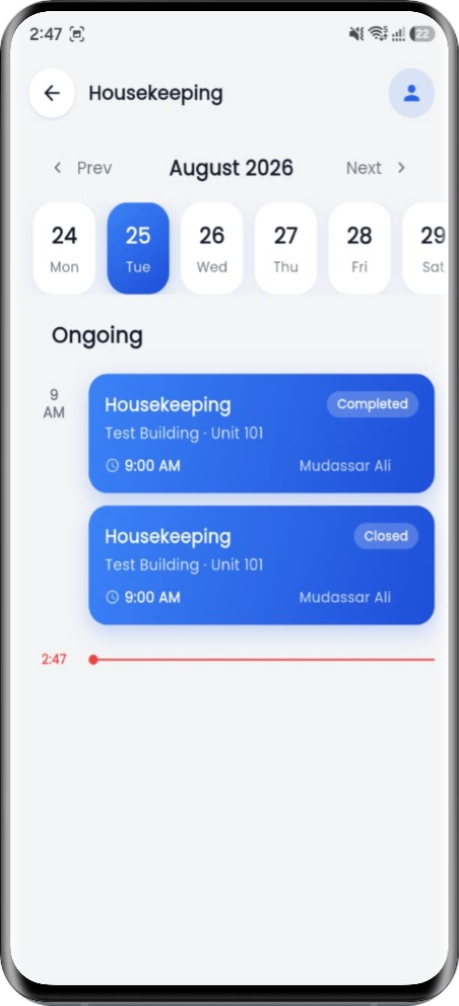
If you are waiting for access, or for a part, you pause. The record shows the pause and why it happened, so the time you actually worked is the time you are measured on.
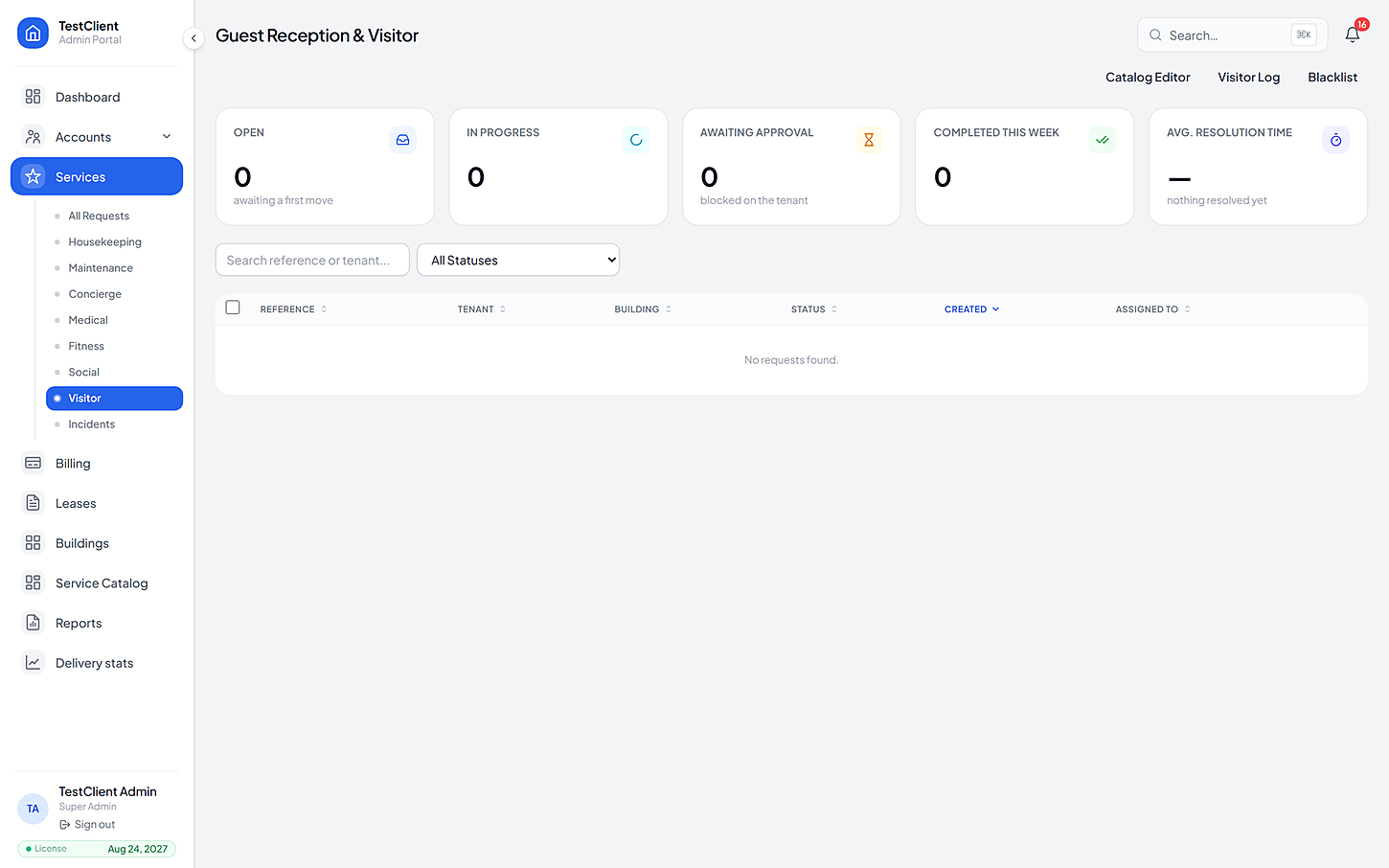
Verify a pass, log the entry, log the exit. The blacklist is checked for you on every arrival, and a pass can be revoked on the spot without phoning anybody.
The same four beats whatever the trade — which is why nobody has to be trained twice.
Assigned to you because you cover that building and that service. You accept it, or reject it with a reason.
Yours by assignment
The timer runs from when you begin, not from when the request was raised. Waiting is a pause, not your fault.
Pause is recorded
For repairs, the diagnosis goes in first and the resident approves the cost before you touch anything.
Approval first
A photo and a completion record attach to the request. It is on file, with your name and the time on it.
Protects you
If yours is not here, the FAQ page goes further — or just ask us directly.
It records the job, not the person. The reason the timer pauses — and records why — is precisely so a forty-minute wait for access does not show up as you being slow. The photo works the same way: it is the answer when somebody says the work was not done.
Reject it with a reason. That reason is recorded, and whoever assigned it can see it — so the same wrong assignment does not happen again next week.
Only if your building has cleared you for that kind of work. Medical records and incident triage are gated by permission, and every access is logged.
The camera services keep working offline and queue events until they can send. For the staff app, finish what you can and the record syncs when you are back in coverage.
The same product, from another side
Bring one building, its list of units and the services you already offer. We'll set the price list up with you, then you can watch a real request go all the way from a resident's tap to the invoice.
No card needed · Your data stays yours