Nobody is watching at 3am
The screens are on. The chair is empty. The recording is there for afterwards, which is not the same as noticing.
The camera services run on a machine inside your building, next to the cameras. You write the rules — what to watch for, when it counts, what happens next — and when one fires it opens a real service request against the right building. The footage stays where it was recorded.
A camera that only records is a camera you look at after something has already happened.
The screens are on. The chair is empty. The recording is there for afterwards, which is not the same as noticing.
Something is flagged. It appears on a screen. No job is created, so nothing is assigned to anybody.
Cloud analysis means your residents' recordings are sitting somewhere you do not control, which is a conversation nobody wants to have.
The one night the link fails is the night you needed it.
Cameras are set up once and then watched from a single screen. Detection rules are set per camera with a confidence threshold you control, so a busy lobby and a quiet fire escape are not held to the same trigger.
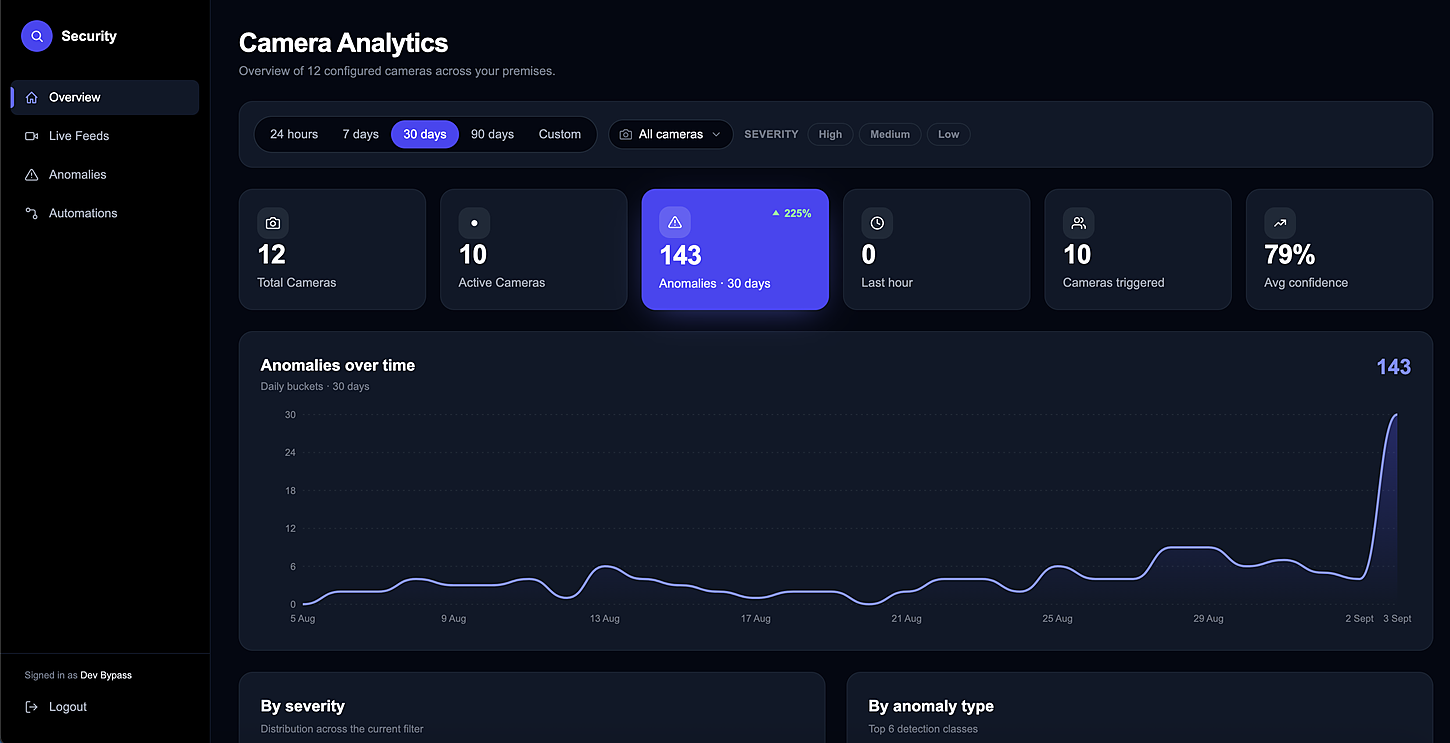
A rule is three parts: what to watch for, the conditions under which it matters, and the action. The action can notify a person or a role — or open a real service request, assigned and tracked like any other job.
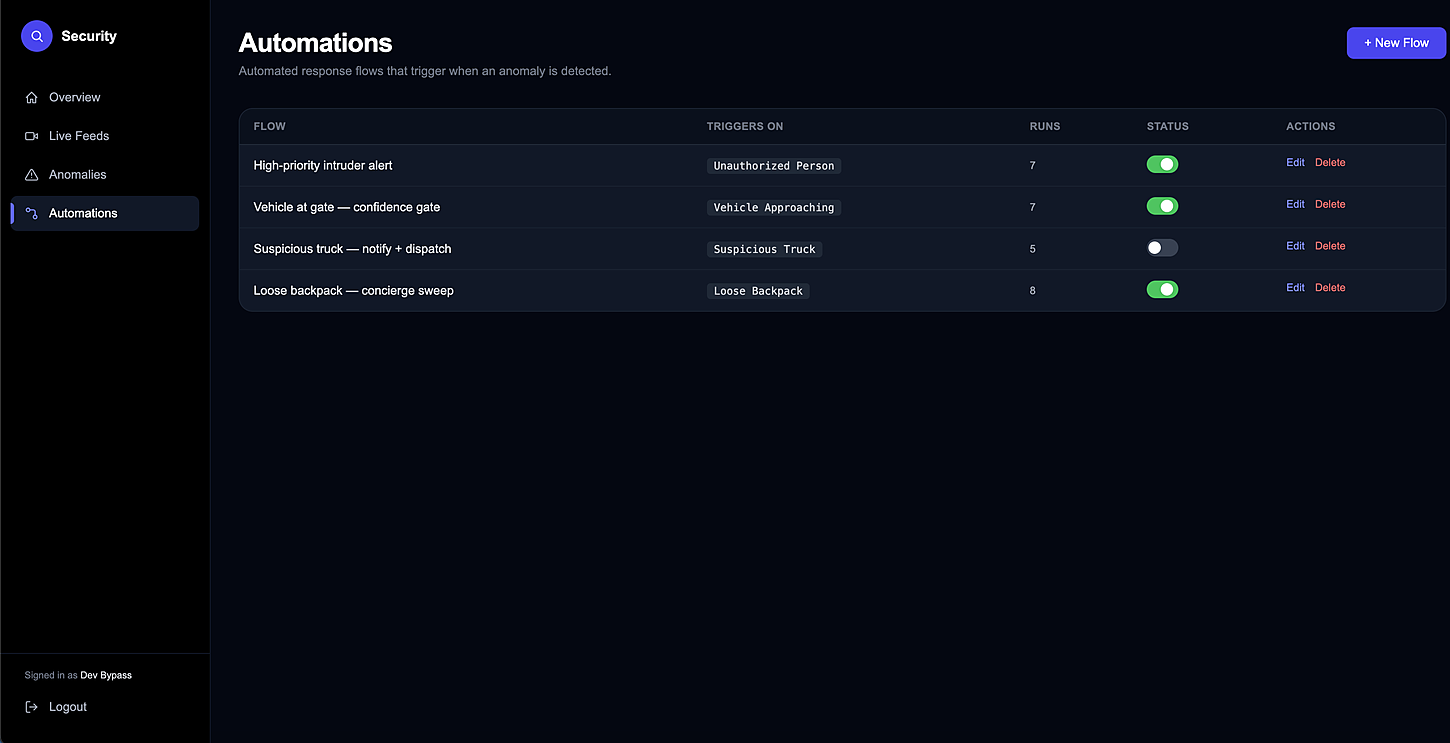
Everything runs on a machine you can point at. If the link to the outside drops, detection carries on and the events queue until they can be sent — nothing is lost because the internet had a bad night.
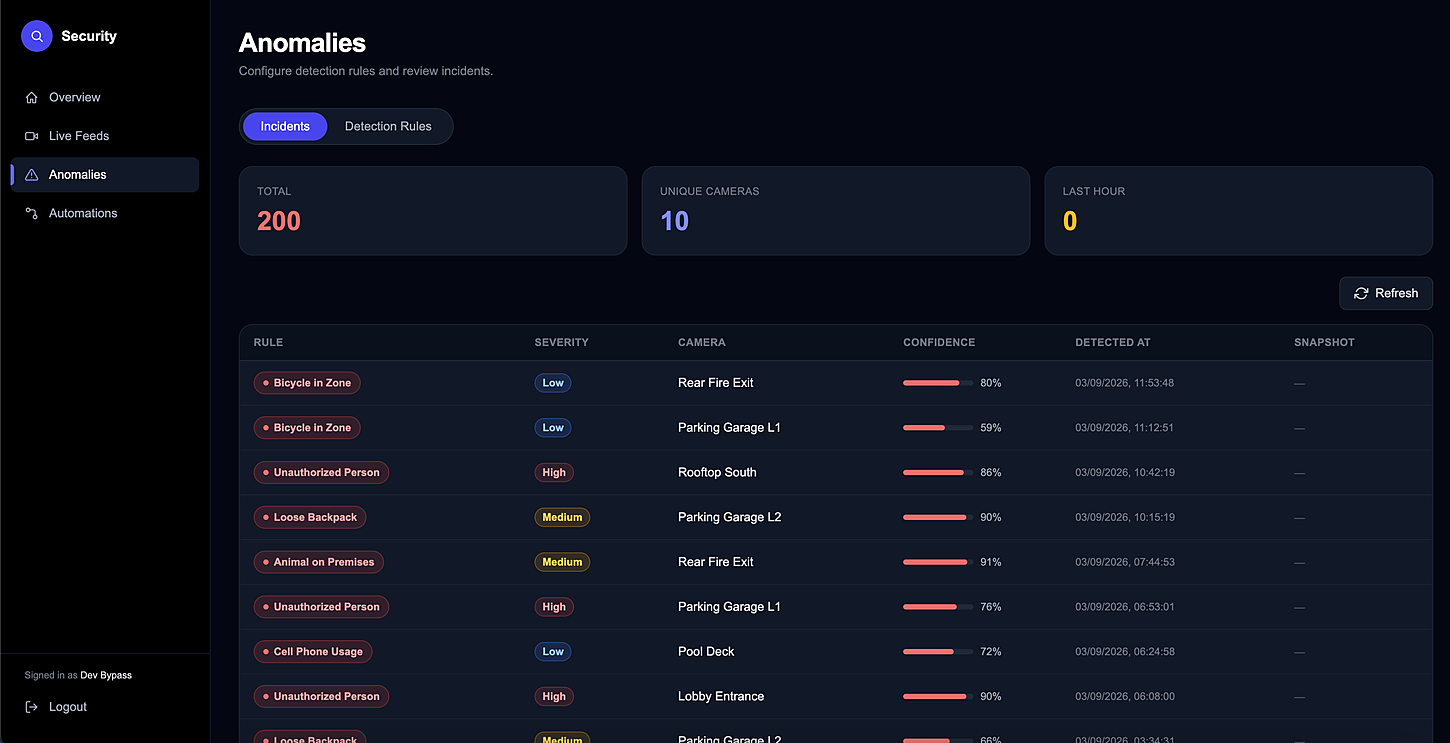
The point of the whole thing is the last step: a person with a job, not a clip in an archive.
A detection fires on the local machine, against a rule you wrote for that camera.
On the premises
Time of day, building, confidence threshold. If it does not meet the bar you set, nothing happens.
Your thresholds
Not an alert on a screen — a real service request, against the right building, with a reference number.
A real job
It routes to security staff covering that building, gets timed like any other job, and closes with a record.
Tracked to close
If yours is not here, the FAQ page goes further — or just ask us directly.
No. The analysis runs on a machine inside your premises. What travels to the portal is the event — what was detected, where and when — and only for the rules you asked to be notified about.
Detection carries on locally. Events queue on the on-site machine and are sent once the link is back, so an outage delays the notification rather than losing it.
The system watches cameras on the local network, so it depends on what you have — that is a question for the setup call rather than one we can answer honestly in the abstract.
Sign-in is restricted to super admins. The incidents it raises appear in the normal queue for the staff assigned to that building, without giving them access to the cameras themselves.
The same product, from another side
Bring one building, its list of units and the services you already offer. We'll set the price list up with you, then you can watch a real request go all the way from a resident's tap to the invoice.
No card needed · Your data stays yours