

Each building was set up its own way
Six buildings, six habits, six spreadsheets. Comparing them means translating first, and the translation is somebody's afternoon.
When one team runs six buildings, the hard part is not any single job — it is seeing all of them at once. Every building keeps its own prices and its own services, while the queue, the roster and the figures work across the whole site.
Nothing on this list is a failing of your team. They are all what happens when the work is real and the record of it is not.
Six buildings, six habits, six spreadsheets. Comparing them means translating first, and the translation is somebody's afternoon.
Nobody can say which building is under-covered on a Tuesday until the complaints arrive on Wednesday.
The same fault happens in four buildings. Because the records are separate, it is treated as four unrelated jobs.
Every building can report on itself. Adding them up is a manual job, so it happens quarterly at best.
Requests from every building land in the same queue with the same reference format. Filter to one building when you are working it, and drop the filter when you want the whole picture.
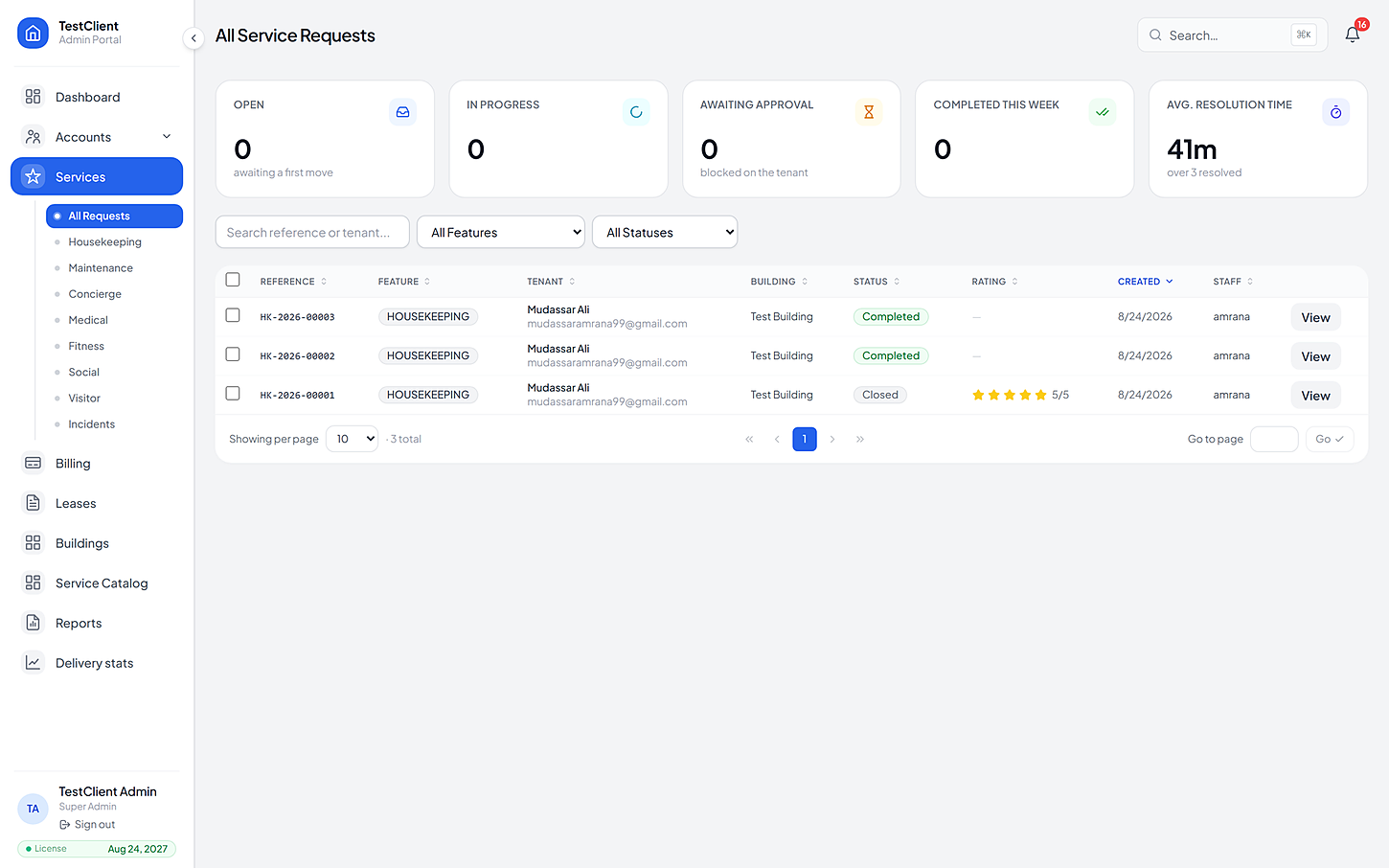
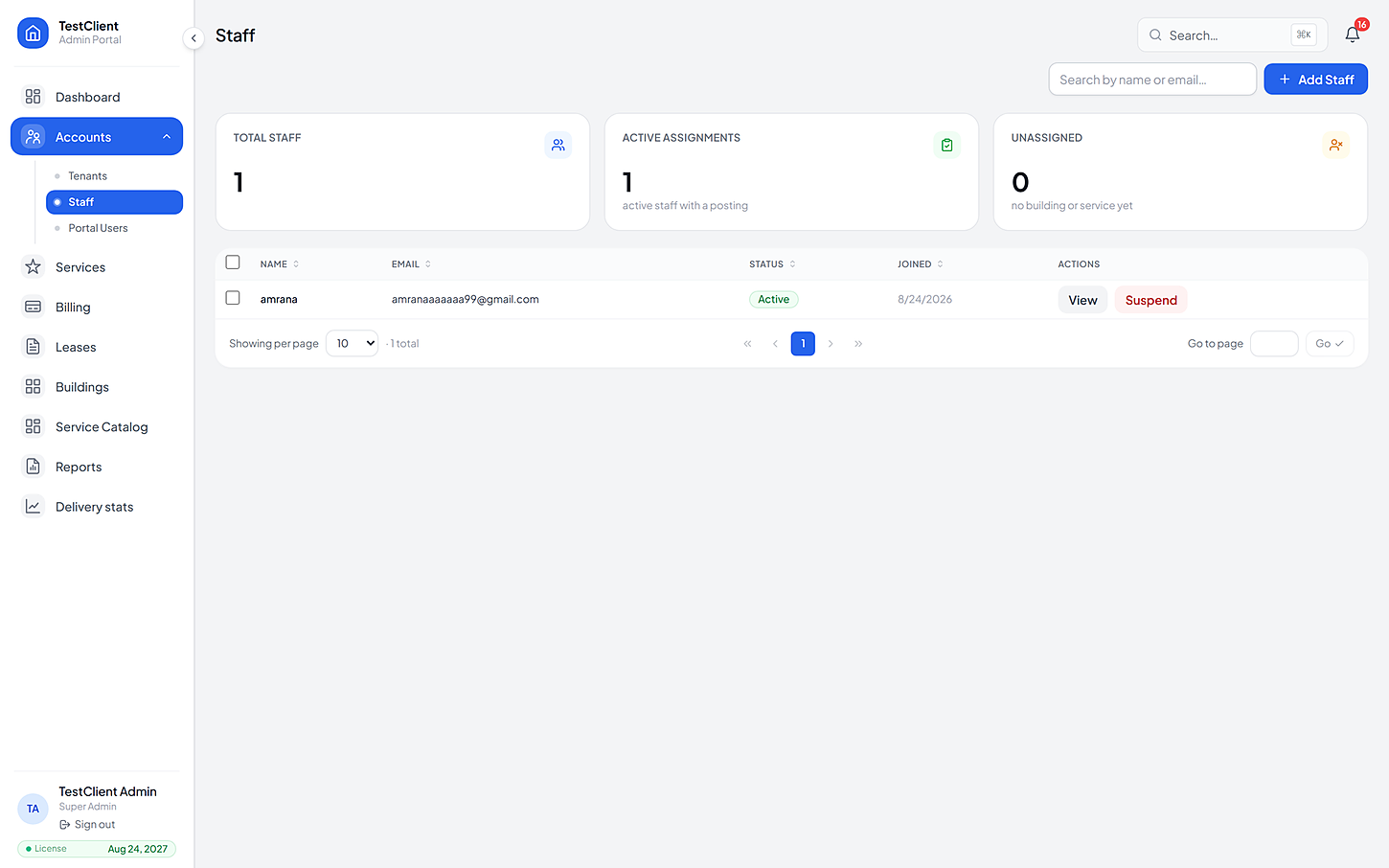
Staff are assigned to buildings, services and subcategories, so coverage is something you can look at rather than something you find out about. A technician working three buildings still sees one list.
Every building, every unit and every lease sits on one record. Move-ins, renewals and move-outs are handled in the portal, and a printable record can be pulled for any of them.
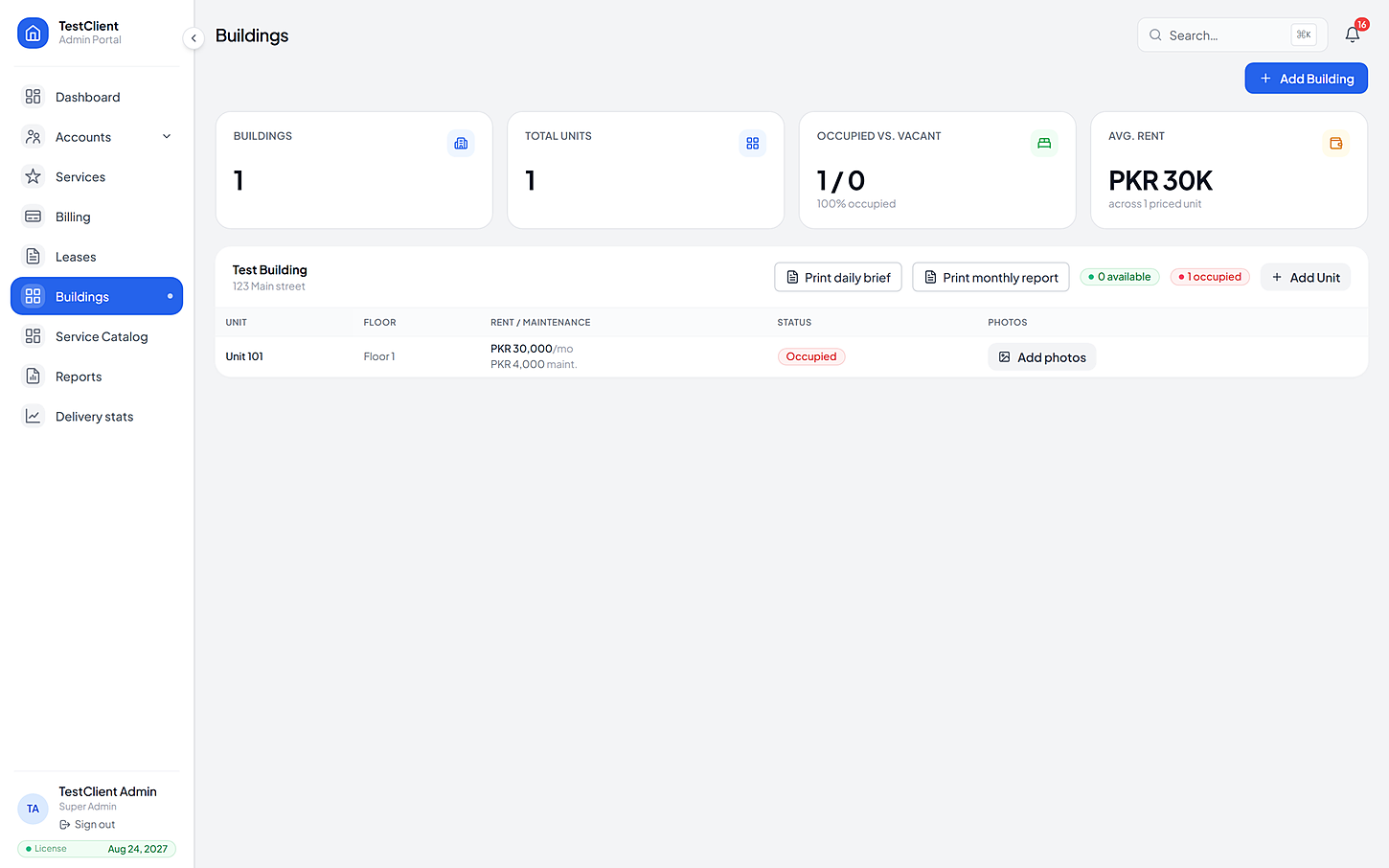
Each building switches on its own services, so a warehouse block and a head-office block on the same site need not look alike.
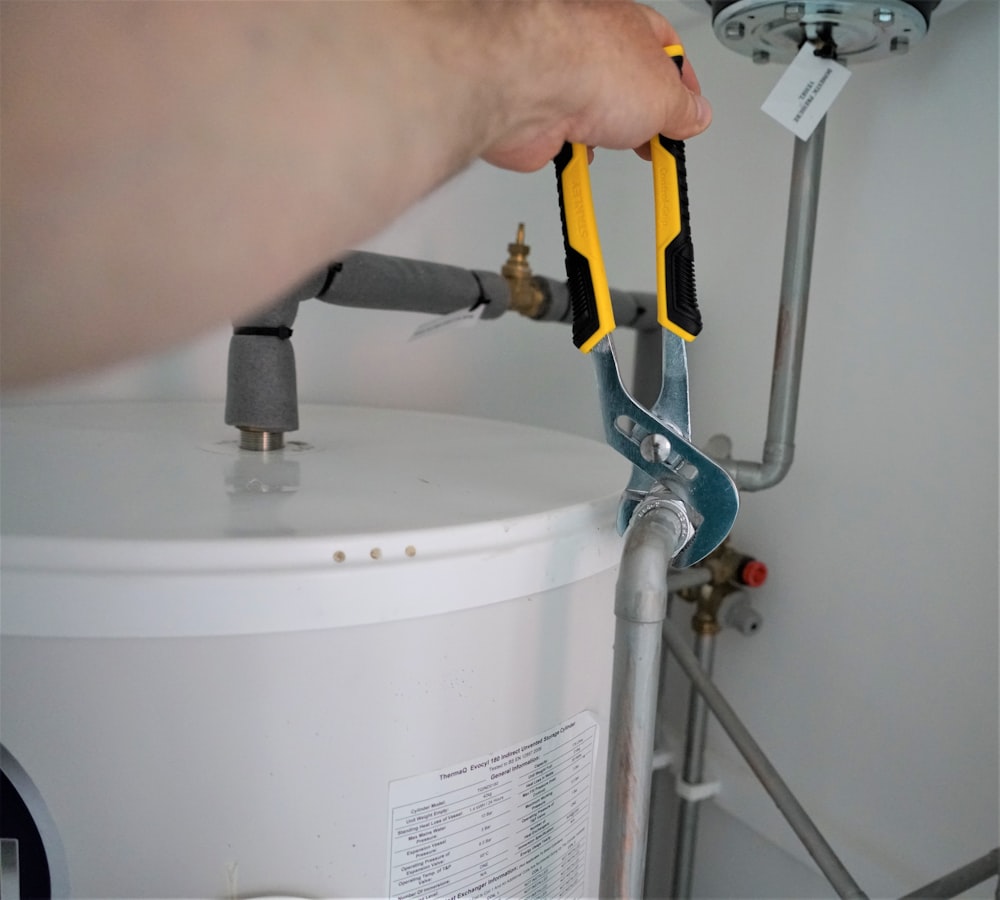
No work starts until the resident agrees the cost.

Cleaning on a schedule residents control.
Visitors expected, verified and logged.

Nothing gets lost between a complaint and a fix.
Errands and requests, tracked like any other job.

Facilities and classes that don't need a WhatsApp group.
The same four beats every time, whichever service it was and whoever raised it.
Each building comes in with its unit list, then gets its own catalog and its own services.
One import each
People are assigned to the buildings and services they actually cover, with permissions set per person.
Twenty-one permissions
Every request from every building arrives in the same place, and the response-time target runs on all of them.
Filterable
Ageing, coverage, volumes and repeat incidents read across every building without an export in the middle.
No reconciling
If yours is not here, the FAQ page goes further — or just ask us directly.
No fixed limit. The model is per building under one client, so a site adds buildings as it grows — each with its own units, catalog and staff assignments.
Yes. Scopes are per building, so a regional manager sees their portfolio and nothing else, while the operator keeps the site-wide view.
It can. The camera services run on a machine inside the premises and raise real service requests against the right building when a rule fires — footage never leaves the site.
Other kinds of property
Bring one building, its list of units and the services you already offer. We'll set the price list up with you, then you can watch a real request go all the way from a resident's tap to the invoice.
No card needed · Your data stays yours